Tariqi

From high school to the perfect job

All your university services in one place: choose your college, study smarter, prepare for your career, and stay connected with campus life.

Available for Android on Google Play

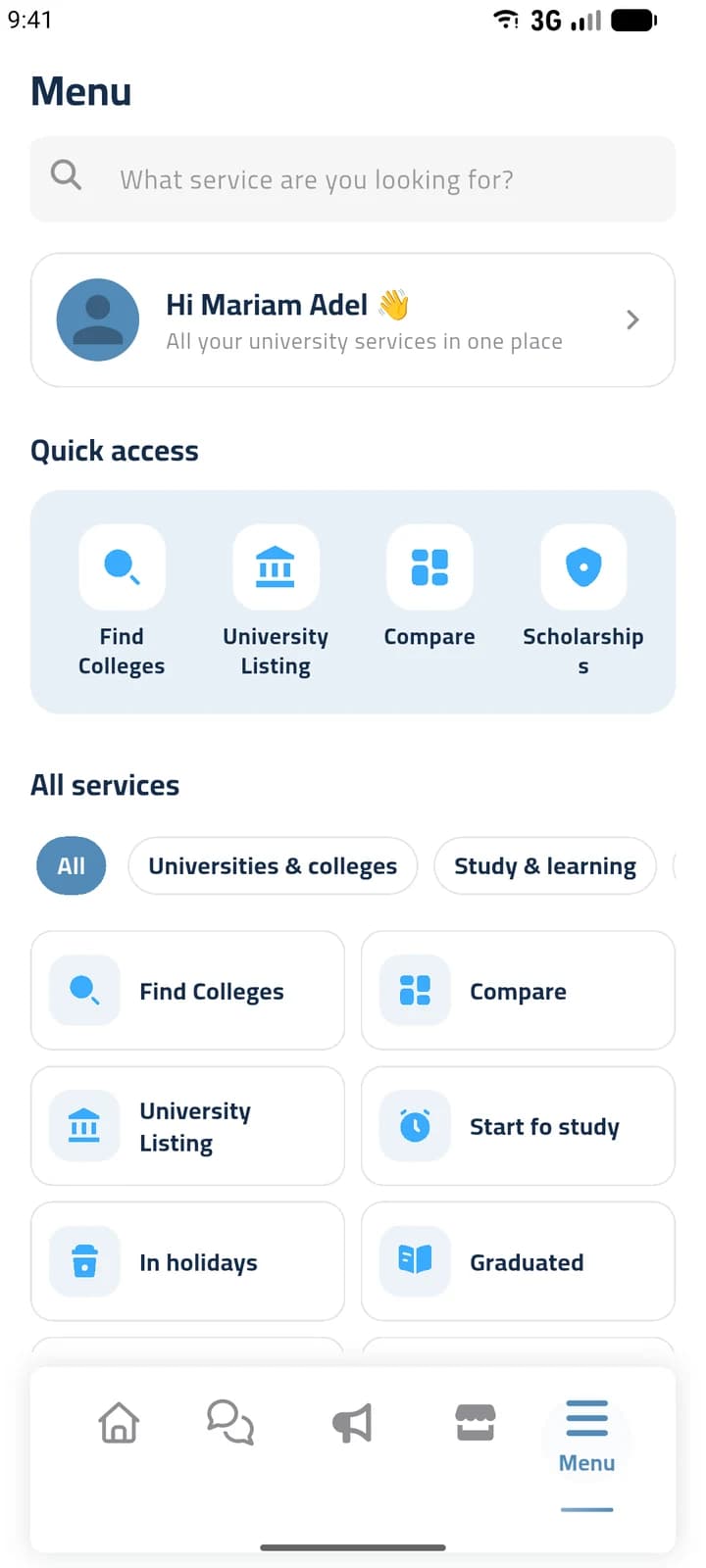
Tariqi app screen: the Menu with quick access to Find Colleges, University Listing, Compare and Scholarships, and all services grouped by category
Real app screens. Names and posts are demo data.

One app for every step of the way

Tariqi follows the path a student actually takes, from choosing a college to the first job.

  1. Choose your path

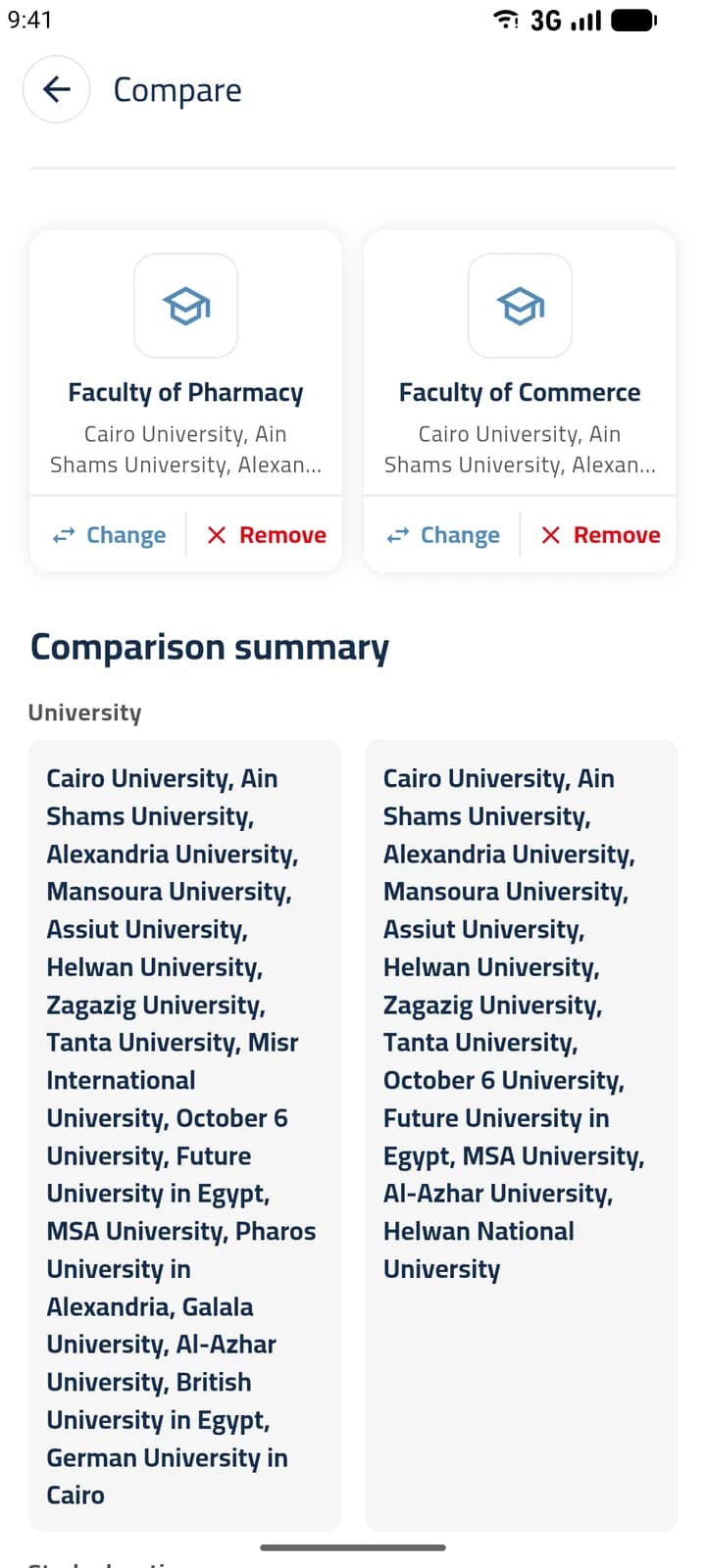
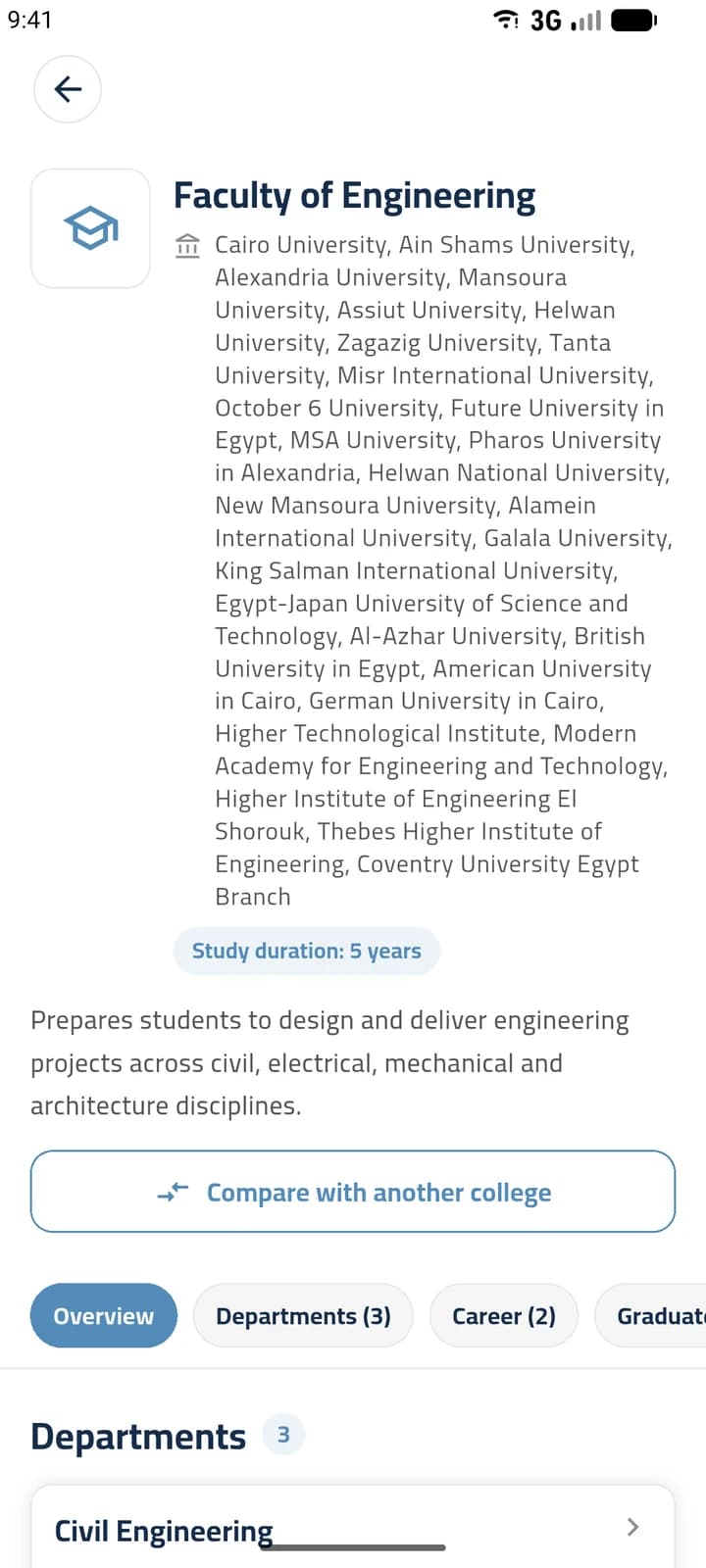
    Find colleges that match your skills, read about their departments and careers, and compare two colleges side by side.

  2. Study and campus life

    Courses, scholarships and exam resources, plus housing and transfer requests, events, groups and a student store.

  3. Start your career

    See the jobs each college leads to, with requirements and CV tips, and build your CV in the app as a PDF.

What you can do with Tariqi

The same categories you'll find in the app's Menu.

Universities and colleges

Explore colleges before you decide.

  • Find a college by university and by the skills it builds
  • College details: departments and subjects, study years, careers and notable graduates
  • Compare two colleges side by side
  • Browse universities and the colleges they offer, and post or find college transfer requests
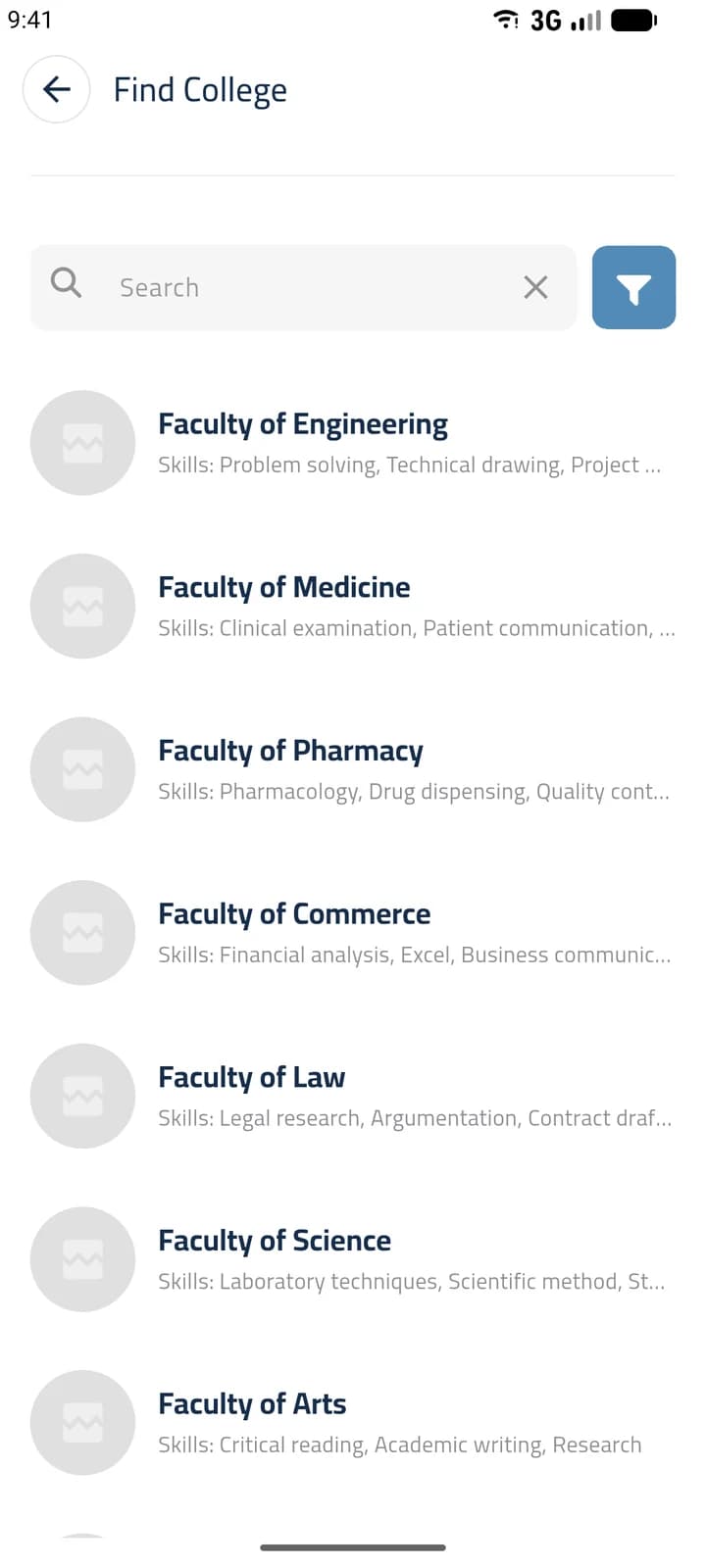
Tariqi app screen: Find College, a searchable list of colleges with the skills each one builds

Study and learning

Resources for the courses you're taking now.

  • Courses with search and filters, linked to where you can take them
  • Scholarships with descriptions and links
  • Exam resources in a protected PDF viewer
  • Student Assistant: notes with reminders sent as notifications

Career

Prepare for life after graduation.

  • Jobs related to your college, with requirements and how to find them
  • CV tips for each job
  • Build several CVs and export them as PDF

Campus life

Practical help around the university.

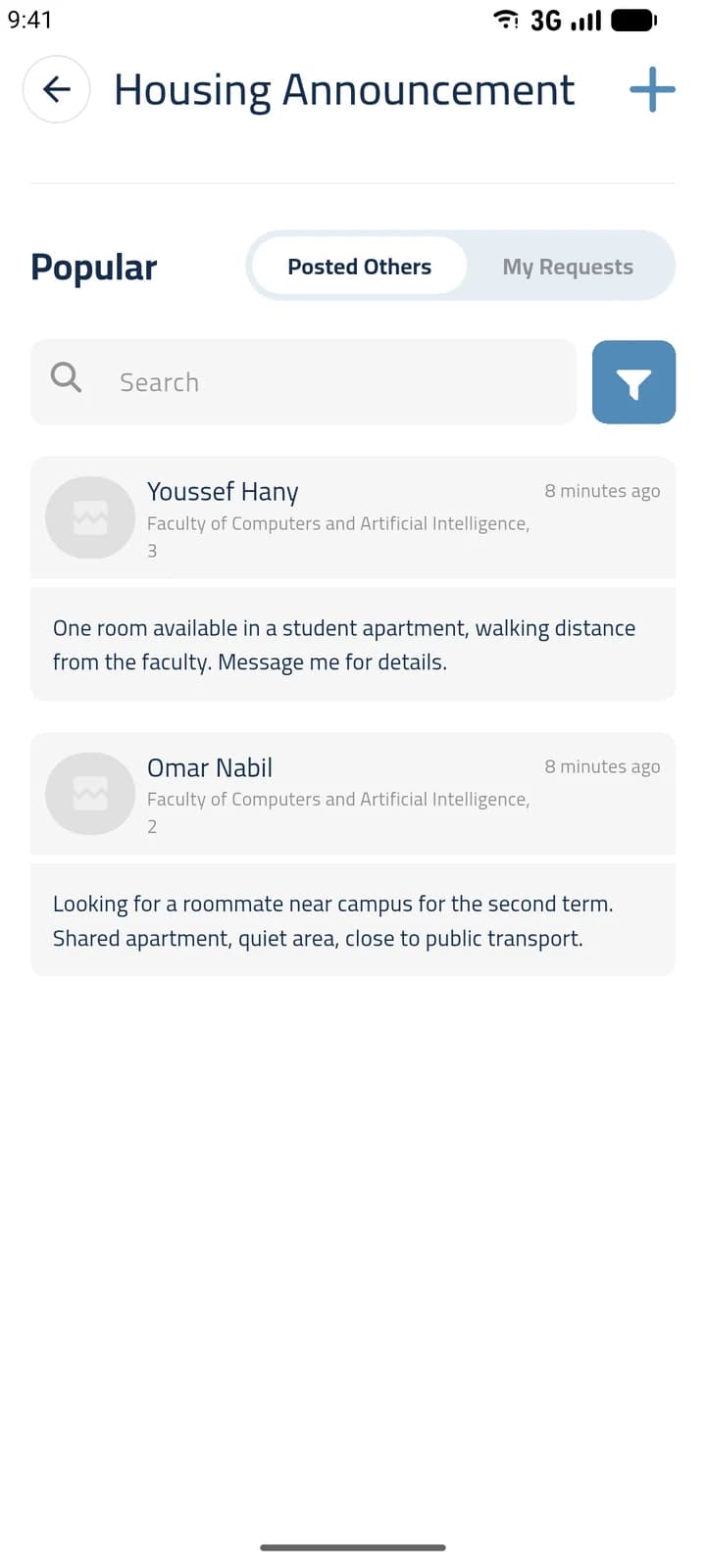
  • Housing announcements: find a room or a roommate, filtered by university, college and level
  • Entertainment and holiday activities
Tariqi app screen: housing announcements posted by students

Community and events

Stay close to other students.

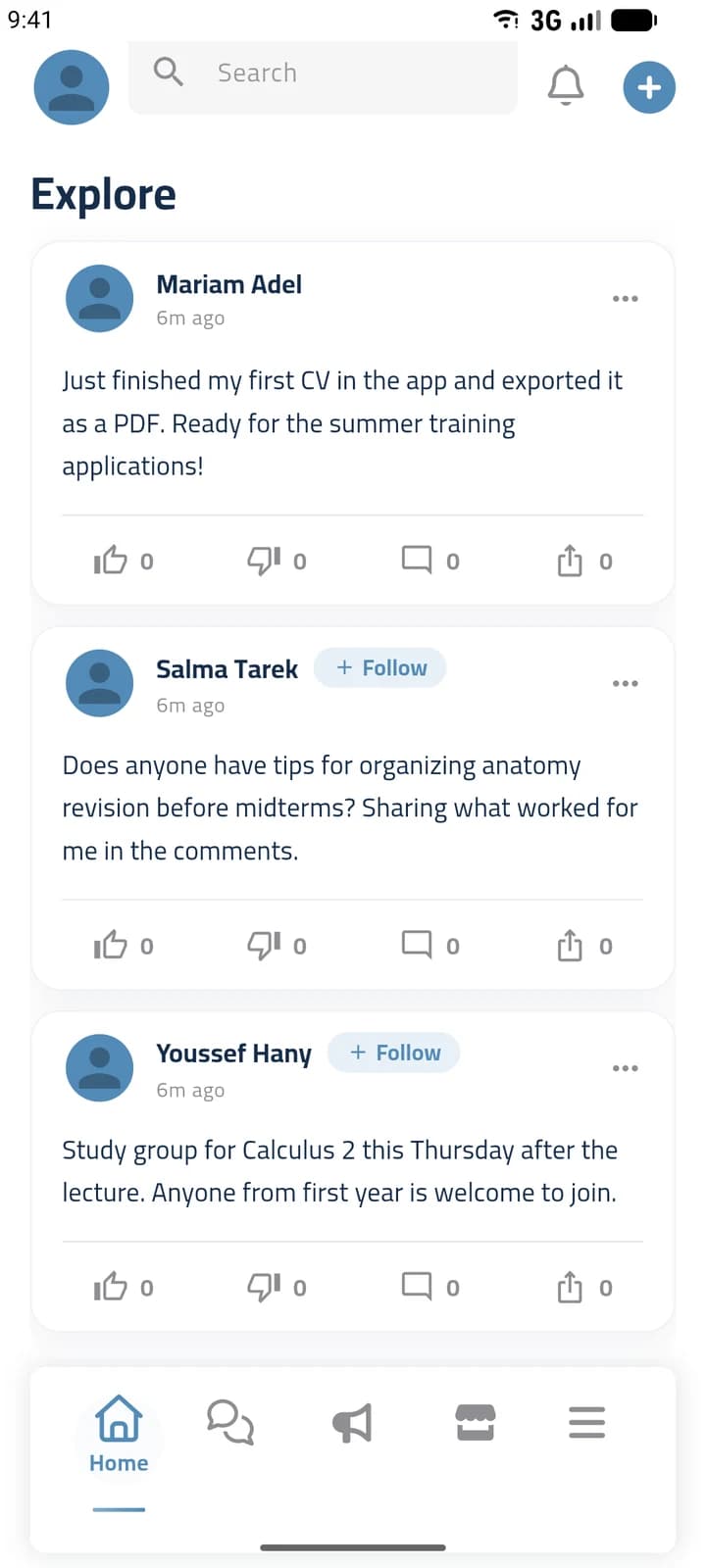
  • A feed with posts, reactions, comments and sharing
  • Public and private groups
  • One-to-one and group chat
  • Events with free or paid tickets, saved under My Tickets
Tariqi app screen: the home feed with student posts, reactions and comments

Student store

Products from store owners who sell to students.

  • Browse products by category, with search and filters
  • Contact the seller by WhatsApp, phone call or in-app chat
  • Rate sellers and read other students' reviews

Purchases are arranged directly with the seller; there is no checkout in the app.

Do you sell to students?

Create a Store Owner account to show your products to Tariqi users.

  • List products in Arabic and English with price, photos and contact options
  • Track views and inquiries compared with last month, and see your top product
  • Build your store profile and receive reviews from students
  • Promote your store with ads and banners, reviewed by the Tariqi team before they go live

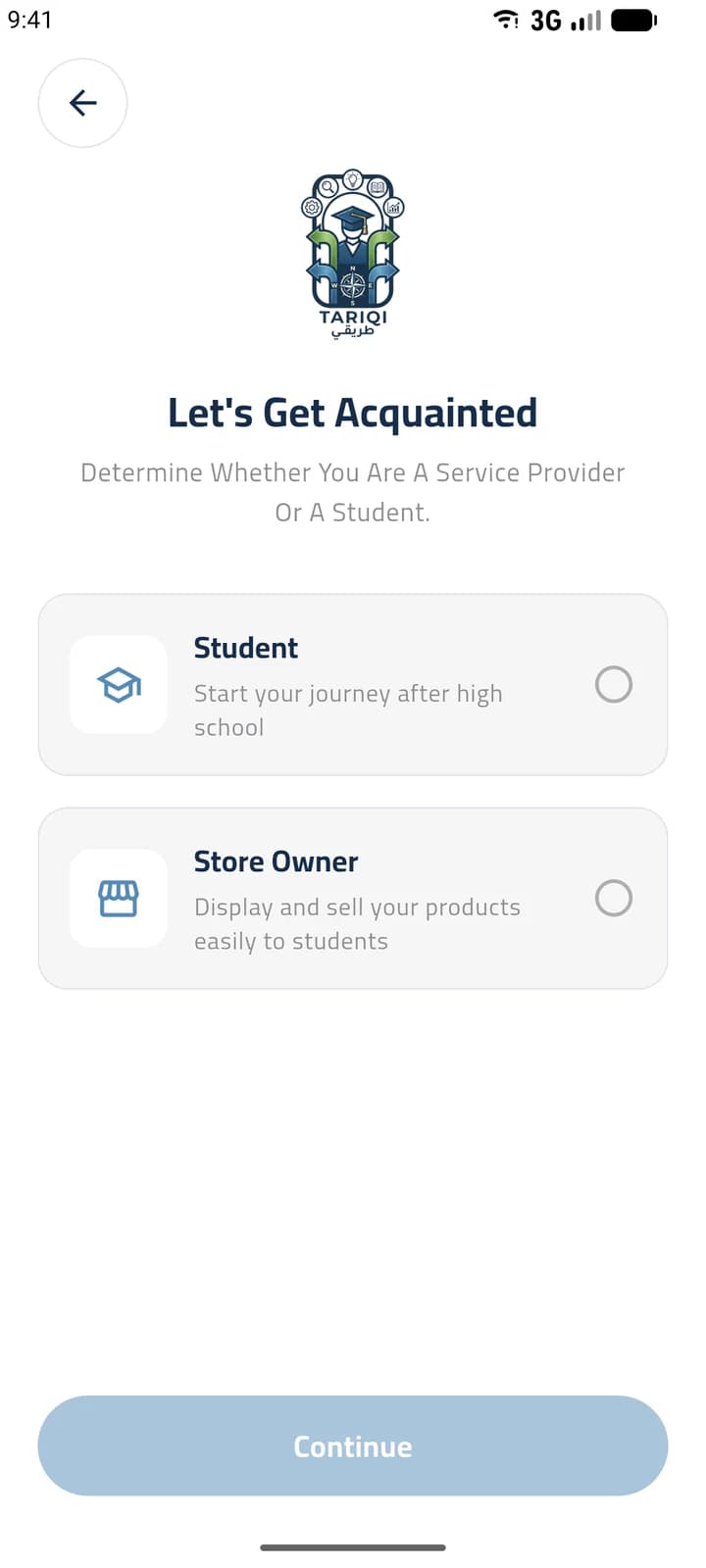
When you sign up, choose “Store Owner”.

Get it on Google Play
Tariqi app screen: choosing between a Student account and a Store Owner account when signing up

Get started in three steps

  1. Download Tariqi

    Install the app from Google Play on your Android phone.

  2. Create your account

    Choose Student or Store Owner, enter your details and confirm your email with a code.

  3. Start exploring

    Open the Menu to find colleges and services, or add your first product if you run a store.

Frequently asked questions

What is Tariqi?

Tariqi is a mobile app for students. It brings together college discovery and comparison, study resources, career tools, campus life services, a student community and a student store.

Which phones does Tariqi work on?

Tariqi is available for Android phones on Google Play.

Who is Tariqi for?

Students, from those about to choose a college after high school to graduates looking for their first job, and store owners who want to sell to students.

How do I create an account?

Open the app, choose Student or Store Owner, enter your name, email, phone number and a password, then confirm your email with the code we send you.

Is the app available in Arabic and English?

Yes. The app opens in Arabic by default, and you can switch to English from Settings > Change Language.

How does the student store work?

You browse products and contact the seller directly by WhatsApp, phone call or in-app chat. Payment and delivery are arranged with the seller; the app has no checkout for products.

How do ads and banners work?

In the app, create an ad or a banner and choose how long it runs to see its price. The Tariqi team reviews it, and after approval you pay by card and it goes live.

I forgot my password. What should I do?

Tap “Forgot password?” on the login screen and reset your password with the code sent to your email or phone.

How do I get help?

In the app, open Settings > Support & Help to create a support ticket. You can attach screenshots and follow the status and replies. You can also email us at zadtechsolutions1@gmail.com.

How do I delete my account?

Send a deletion request through a support ticket in Settings > Support & Help, and the Tariqi team will handle it.

Start your journey with Tariqi

Download the app and find everything you need for university in one place.

Get it on Google Play

Available for Android on Google Play